
Arkive
A downloadable tool for Windows and Linux
Arkive is a desktop application for organizing and finding your game development assets (images, sounds, textures, fonts, videos, 3D models, etc.) without ever moving or modifying the original files. Arkive only catalogs: your files stay where they've always been, on your hard drive.
Join the Arkive community on Discord to get help, share your feedback, report bugs, suggest features, and connect with other Arkive users
Organizing Your Library
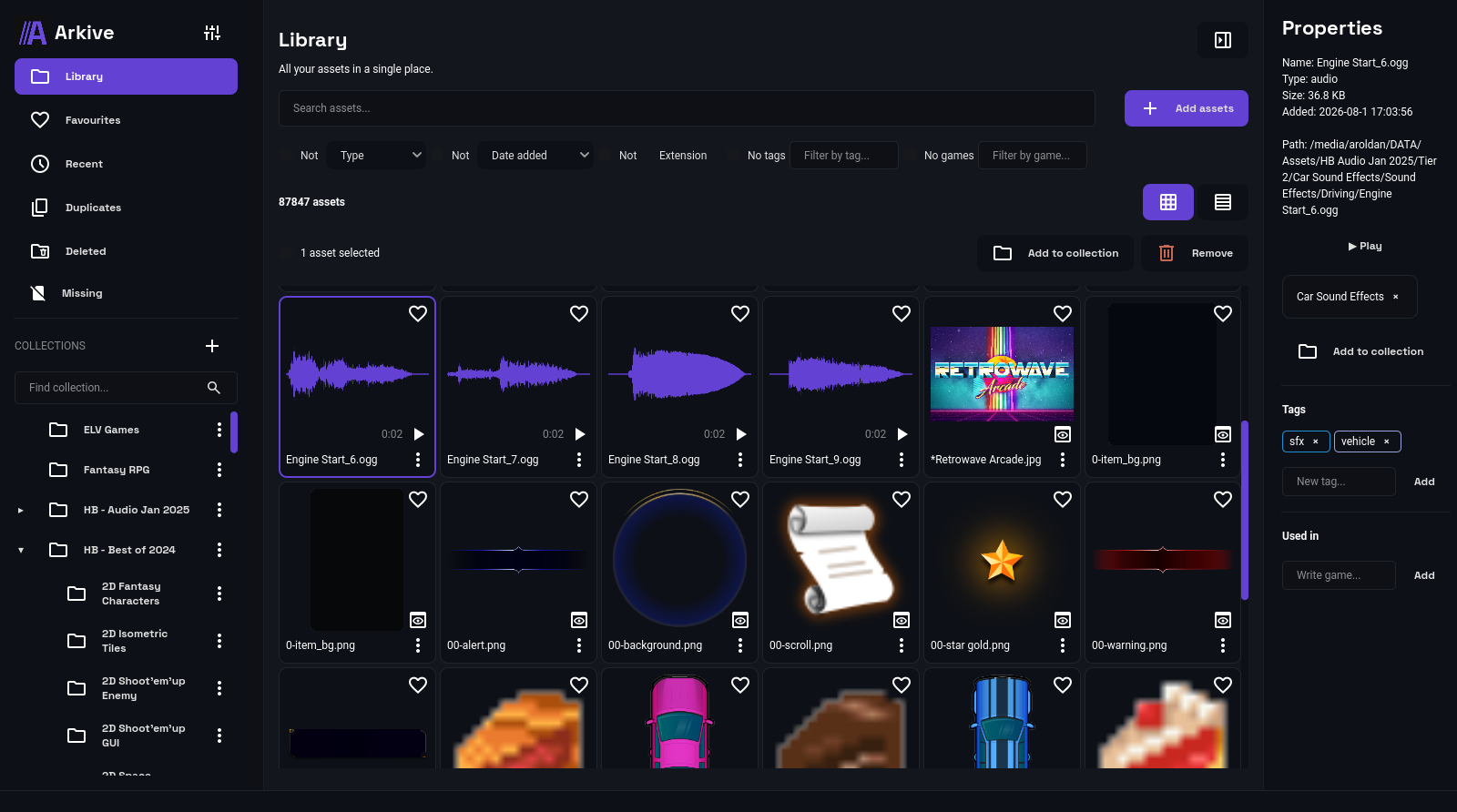
- Central Catalog: Import entire folders of assets and view them all from a single location, without duplicating files.
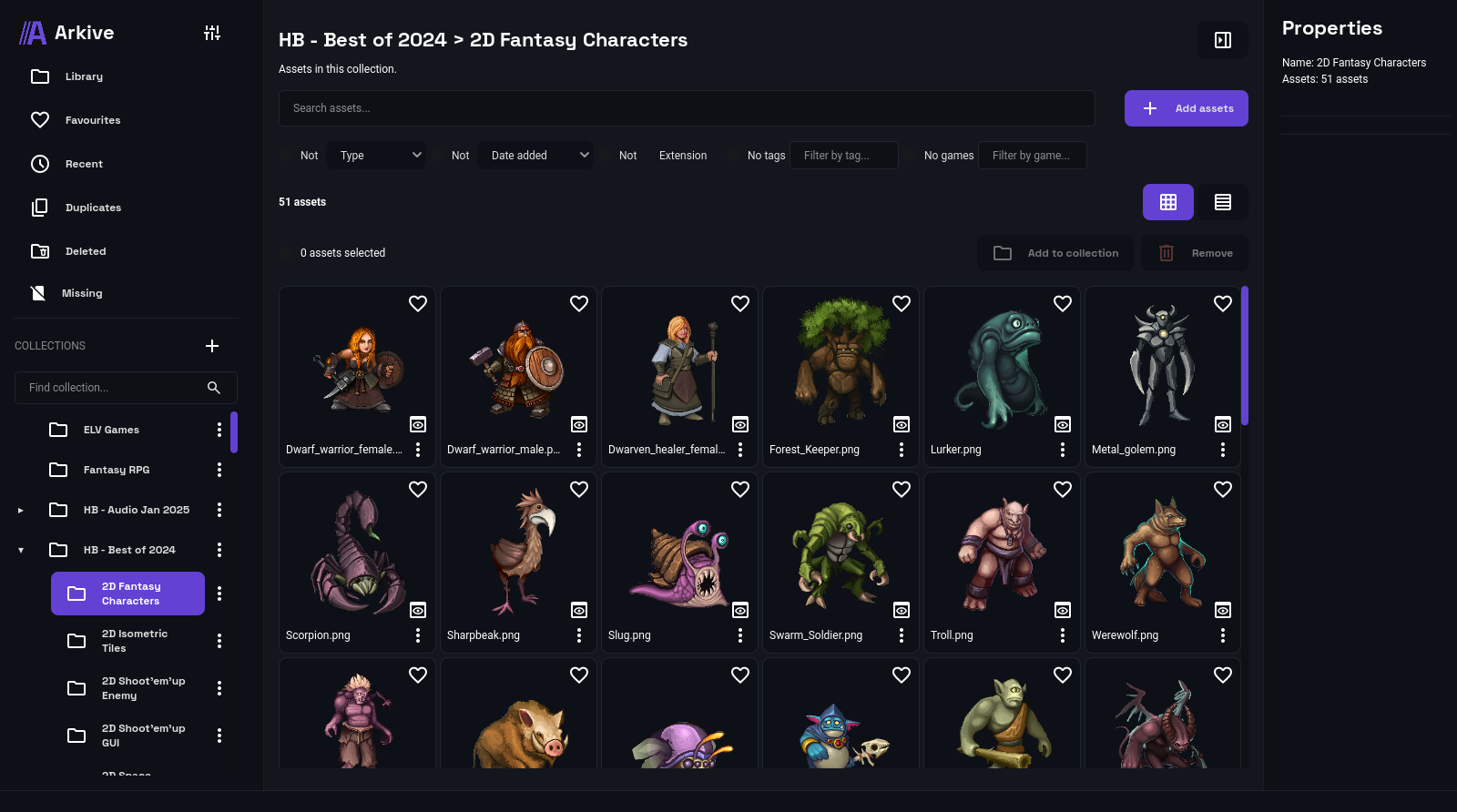
- Collections: Group your assets into collections with any name you like ("UI Sounds," "Level 2 Backgrounds," etc.). A single asset can belong to multiple collections simultaneously.
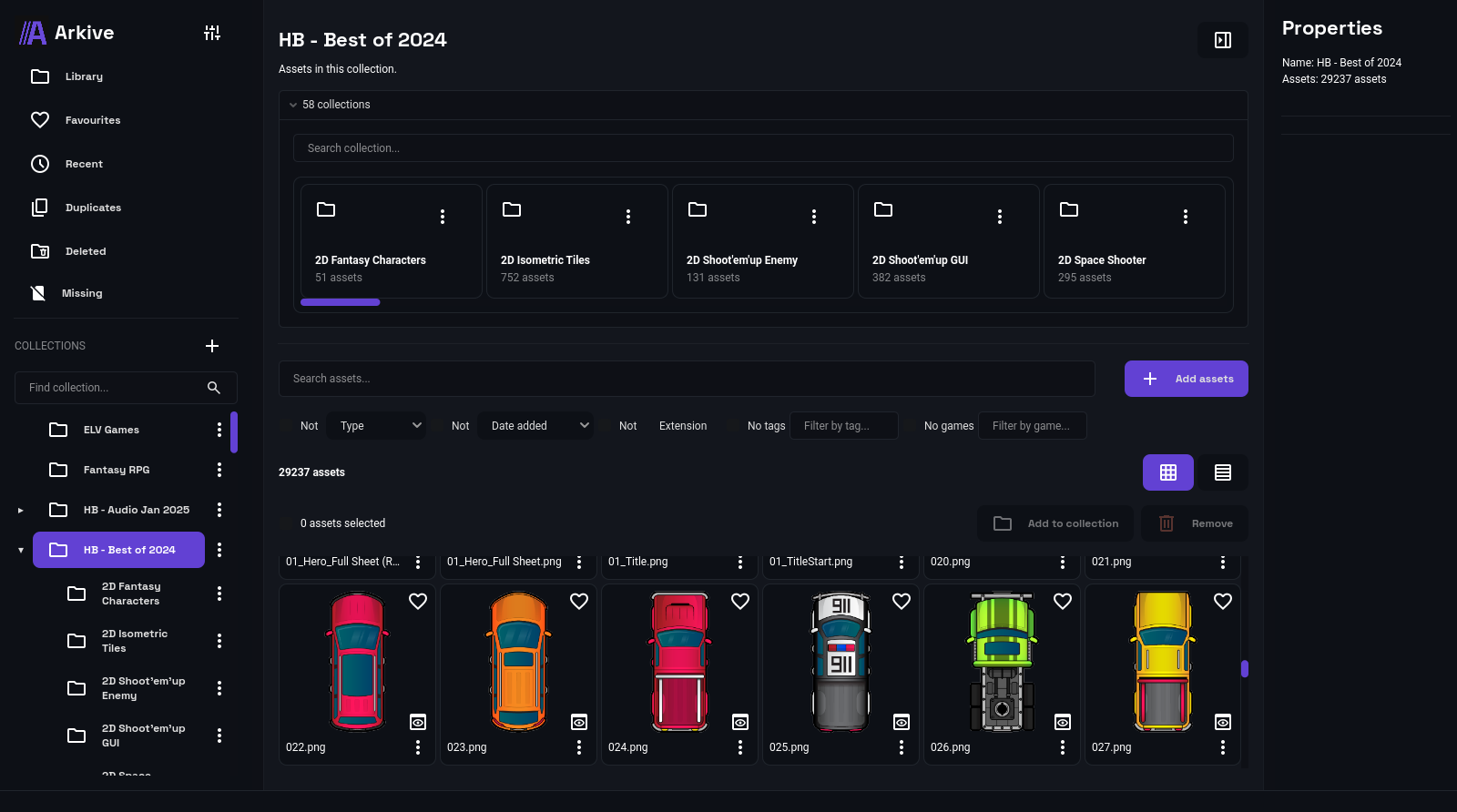
- Nested Collections: Create subcollections within a collection to organize by levels (e.g., "Ambiance" → "Rain," "Ambiance" → "Wind"). When you enter a collection, you also see all the assets in its subcollections.
- Moving and Reorganizing Collections: Change the position of a collection within the tree at any time, with a menu that adapts to the hierarchy.
- Breadcrumb Navigation: Always see exactly which collection/subcollection you are in.
- Collapse and Expand: If your collection tree grows too large, you can collapse the collections you don't need to see at any given time. Tags: Add as many tags as you like to each asset, each with its own automatically assigned color.
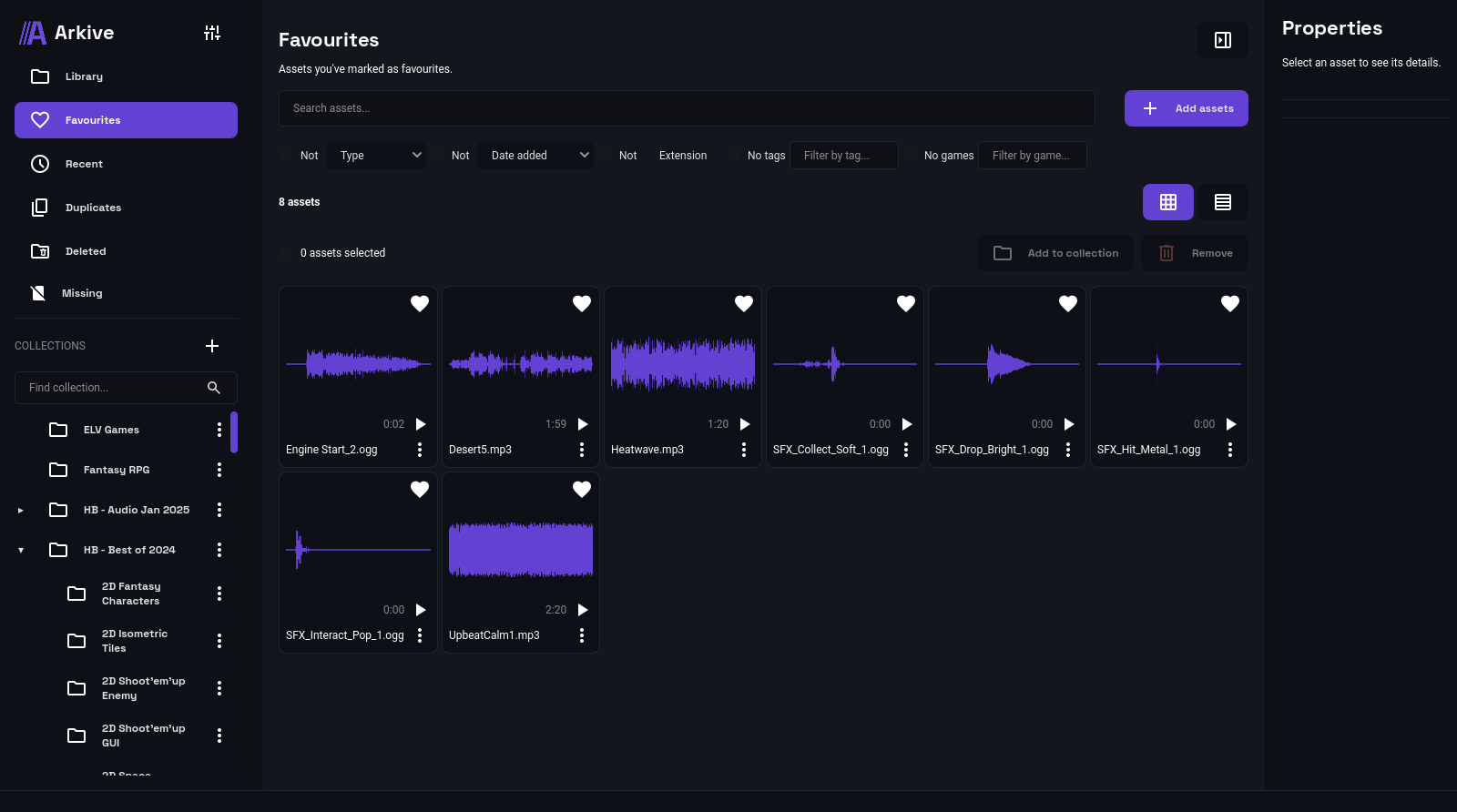
- Favorites: Mark your most frequently used assets to find them instantly
Find what you're looking for
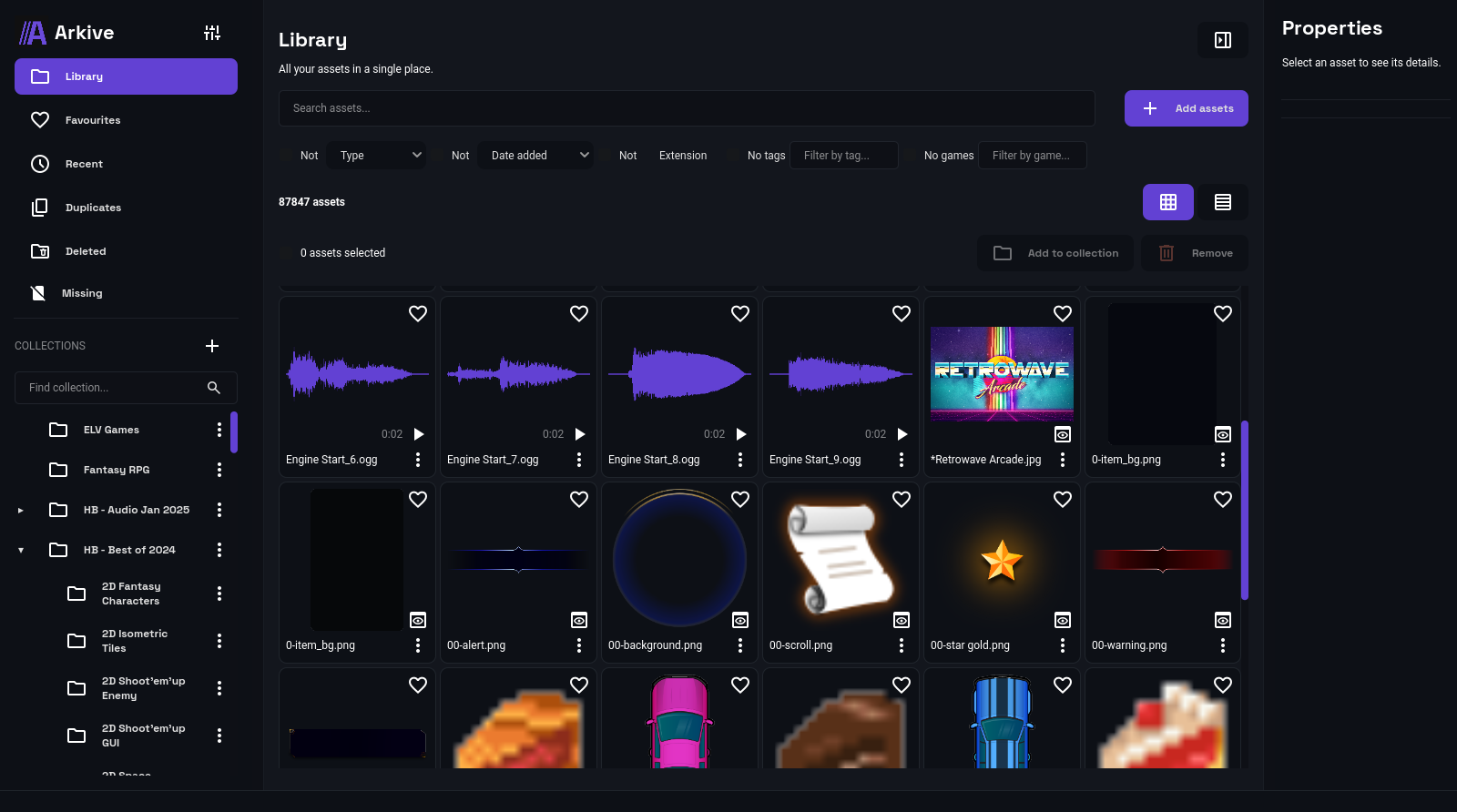
- Search by name: Find an asset by typing part of its name.
- Filter by type: Show only images, sounds, textures, fonts, videos, or 3D models.
- Filter by import date: Last 30 minutes, last hour, last 3 hours, today, last 7 days, or last 30 days.
- Filter by tags: Type a tag name and see instant suggestions; combine multiple tags at once (an asset must have all tags selected), or filter for assets that don't have any tags.
- Search collections: If you have many collections, search for them by name both in the sidebar and within a collection with subcollections.
- Results counter: Always see how many assets are being displayed out of the total.
- Grid or row view: Choose how you want to view your assets based on what's most convenient for you
- Sort assets: Sort your assets alphabetically or by import order, in ascending or descending order.
Special Views
- Recent: See at a glance the assets from your last import—they remain even if you close and reopen the application.
- Duplicates: Arkive automatically detects assets with identical content, even if they are in different folders or have different names.
- Missing: If an original file has been moved or deleted from outside Arkive, it will be marked here so you know it is no longer available.
- Trash: Assets deleted from Arkive don't disappear immediately; you can restore them or permanently delete them whenever you want.
Working with your assets
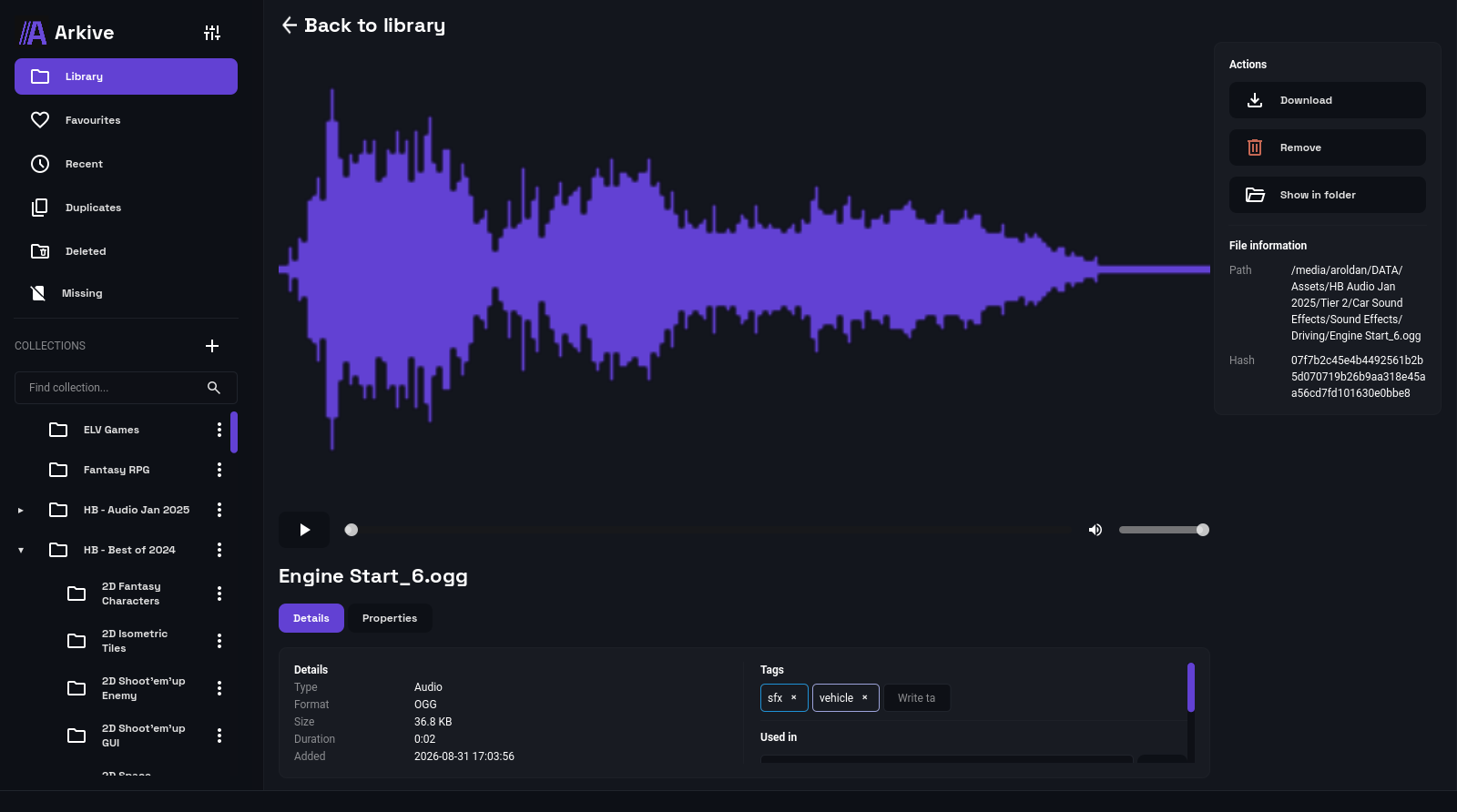
- Preview: Listen to sounds and preview images without leaving the application.
- Automatic thumbnails: These are generated automatically upon import, prioritizing what you're currently viewing.
- Notes: Add your own annotations to each asset.
- Open the containing folder: Access the original file directly in your operating system's file explorer.
- Download/export a copy: Save a copy of an asset to your chosen location without affecting the original.
- Delete from disk: If you no longer need a file, you can send it to your operating system's Recycle Bin (which is recoverable) directly from Arkive.
Batch processing
- Multiple selection: Select multiple assets at once with Ctrl+click, or an entire range with Shift+click.
- Select all: Select all assets in the current view with a single click.
- Batch actions: Add, apply, or remove tags, add or remove from collections, delete, restore, or permanently delete multiple assets at once.
- Import summary: After importing a folder, a notification tells you how many assets were imported, how many were duplicates, and how many were omitted.
Purchase
In order to download this tool you must purchase it at or above the minimum price of $14.96 USD. You will get access to the following files:
Leave a comment
Log in with itch.io to leave a comment.